Stream everywhere. Run it with your voice.
MushHub connects OBS with Twitch, Kick, YouTube and TikTok, merges your chat and saves your best plays while you game.
Free essentials and a 7-day trial with everything unlocked. Windows 10 and 11.
- Twitch
- Kick
- YouTube
- TikTok
 MushHub
Live
Streaming 1:12:40 OBS connectedMulti-Chat
Voice & AI
MushAI listening- 1Live: big plays, laughs and chaos
- 2Diamond today? | SMITE 2
- 3Chat picks my build | SMITE 2
Clips and auto editing
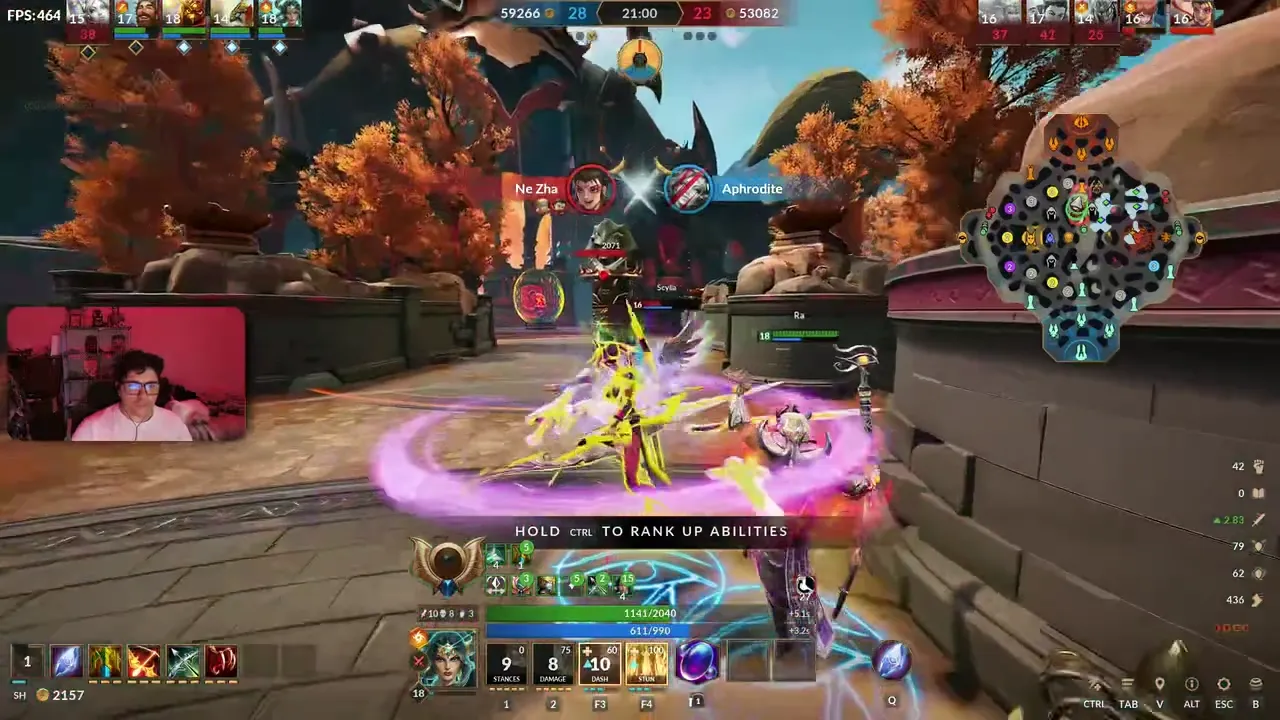 Quadra kill, chat goes wild01:12:40 · 9 s9/10
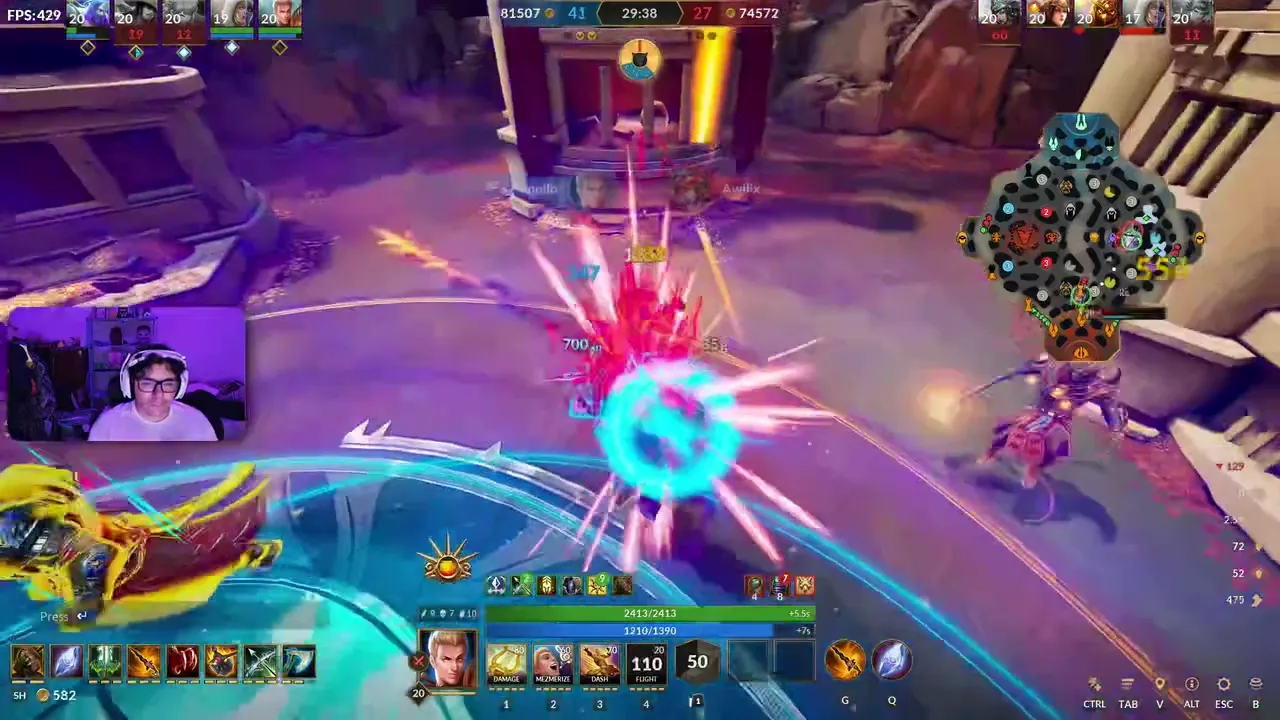 Double kill defending base01:48:05 · 9 s8/10
 "What was that?" · chat laughing00:41:12 · 12 s7/10
Vertical visual editor
App preview with a real SMITE 2 match. Chat and numbers are examples.
A Windows app that does the boring part of your stream.
MushHub is a free Windows app for streamers on Twitch, Kick, YouTube and TikTok. You download and install it: no account is needed to use it and this page is public. It controls OBS with your voice, brings the chat from every platform together, prepares and applies your live stream titles, and finds and saves your best moments with AI that runs on your PC.
Your recordings, clips, chat and settings stay on your computer. Accounts connect through each platform's official authorization: MushHub never sees your passwords.
Say "Assistant" and let go of the keyboard.
Give it any name you like: Assistant, Jarvis or Mushi. It works in English or Spanish. MushAI understands normal sentences and runs on your PC, so it's private and never charges per question.
- Titles in one command
- It suggests options and you say "number three, apply it".
- OBS hands-free
- "Switch to Game", "mute my mic".
- Instant clips
- "Clip" saves what just happened.
- You always decide
- Nothing goes live without your confirmation.
- 1Live: big plays, laughs and chaos
- 2Diamond today? | SMITE 2
- 3Chat picks my build | SMITE 2
Four chats. One column.
Twitch, Kick, YouTube and TikTok arrive together, emotes included. MushHub can read them aloud, and what you type goes out to all your platforms at once.
Multi-Chat
OBS listens without a click.
Switch scenes, mute sources, start recording or the Replay Buffer by voice or with a hotkey. It only controls the sources you allow.
Your best plays, saved on their own.
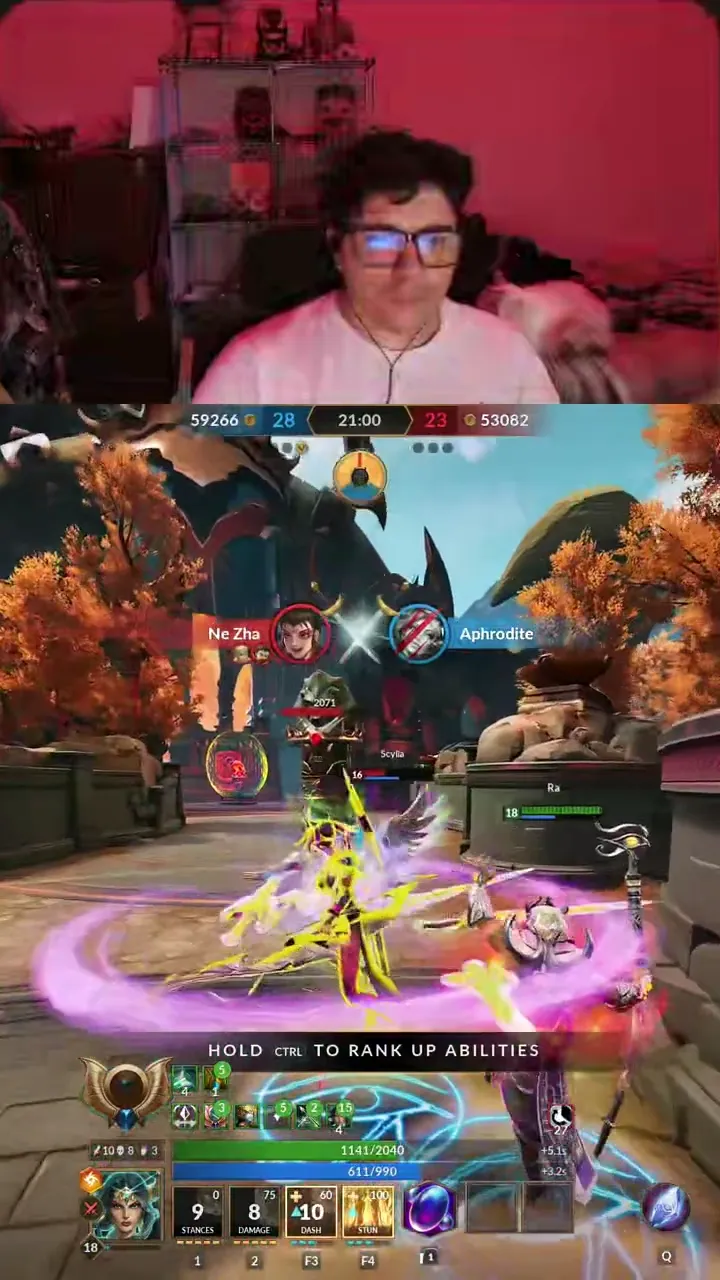
MushAI listens to your recording, checks how chat reacted and suggests the moments worth keeping, with subtitles and in vertical for TikTok, Reels and Shorts. These clips come from a real stream.
Quadra kill, chat goes wild
01:12:40 · 9 s · saved with "Assistant, clip"
Automatic vertical: your camera on top, the play below, subtitles included.
Ready in three steps.
- 1
Download and install
One Windows installer. No account needed.
- 2
Connect OBS and your accounts
Twitch, Kick and YouTube through their official authorization. TikTok with your username.
- 3
Say "Assistant"
Set your title, switch scenes and save clips with your voice.
Start free. Become a Founder.
Free
$0
forever
- 7-day trial with everything unlocked
- Voice for OBS, Multi-Chat and titles
- 2 MushAI searches and 5 vertical clips per week
Monthly
From $8
Supporter 8 USD · Creator 15 USD a month · cancel anytime
- MushAI and clips with no weekly limit
- Activates by itself with your Ko-fi email
- You help MushHub keep growing
Founder
$80 USD
one payment
- Creator for life, no monthly fees
- Everything unlimited, including what comes next
- Founder badge inside the app
- Activates in Settings → Membership with your purchase email
Thank you to everyone who is already a Founder. Founding investor: Squiper90.
How MushHub uses your Google account (YouTube)
Only if you connect your YouTube channel in MushHub (it's optional), the app uses Google's official authorization to see whether you are live and how many people are watching, show and read aloud your live chat messages, and change the title of your broadcast only when you confirm it. MushHub does not upload, delete or publish videos, does not read your email, and does not share or sell your data. Data is processed on your PC. MushHub's use and transfer of information received from Google APIs adheres to the Google API Services User Data Policy, including the Limited Use requirements.
You can remove access at any time at myaccount.google.com/permissions. Full privacy policy.
Your next stream starts here.
Install MushHub, connect OBS and your accounts, and say "Assistant".
Download MushHub free64-bit Windows 10 or 11. OBS Studio 28 or newer with the WebSocket server turned on. For the local AI, a graphics card with 8 GB or more is recommended.